All-in-One AI Voice Platform for Professional Content Creation
OneVoice AI is a unified AI voice system that allows creators, businesses, and teams to generate high-quality voiceovers from a single cloud-based dashboard. Instead of using multiple voice tools and subscriptions, OneVoice AI brings modern AI voice technology together in one simple interface.
Create natural-sounding voice content for videos, podcasts, marketing campaigns, training materials, and more — without recording equipment, technical skills, or complex setup.
What Is OneVoice AI?
OneVoice AI is a cloud-based voice generation platform that allows users to create natural-sounding voiceovers using artificial intelligence. The system integrates multiple AI voice technologies into a unified interface, removing the need to learn or manage separate voice tools.
In simple terms, OneVoice AI turns written text into realistic spoken audio. Users can paste a script, choose a voice style, adjust settings like speed or emotion, and generate a ready-to-use audio file within seconds.
Unlike traditional voice software that limits users to one provider, OneVoiceAI is positioned as a multi-model platform. This means users can experiment with different voice engines, accents, tones, and formats depending on the project.
Why OneVoice AI Exists
The demand for voice content has grown rapidly across industries. Video creators need voiceovers for YouTube and social media. Businesses need narration for ads, explainers, and product demos. Educators need audio for training and learning materials. Agencies need fast voice production for client projects.
Before tools like OneVoice AI, users had two main options:
- Hire voice actors (expensive, slow, inconsistent).
- Subscribe to individual AI voice tools (monthly costs, limited flexibility).
OneVoice AI was created to solve this problem by offering a single platform that handles multiple voice needs from one dashboard.
How OneVoice AI Works
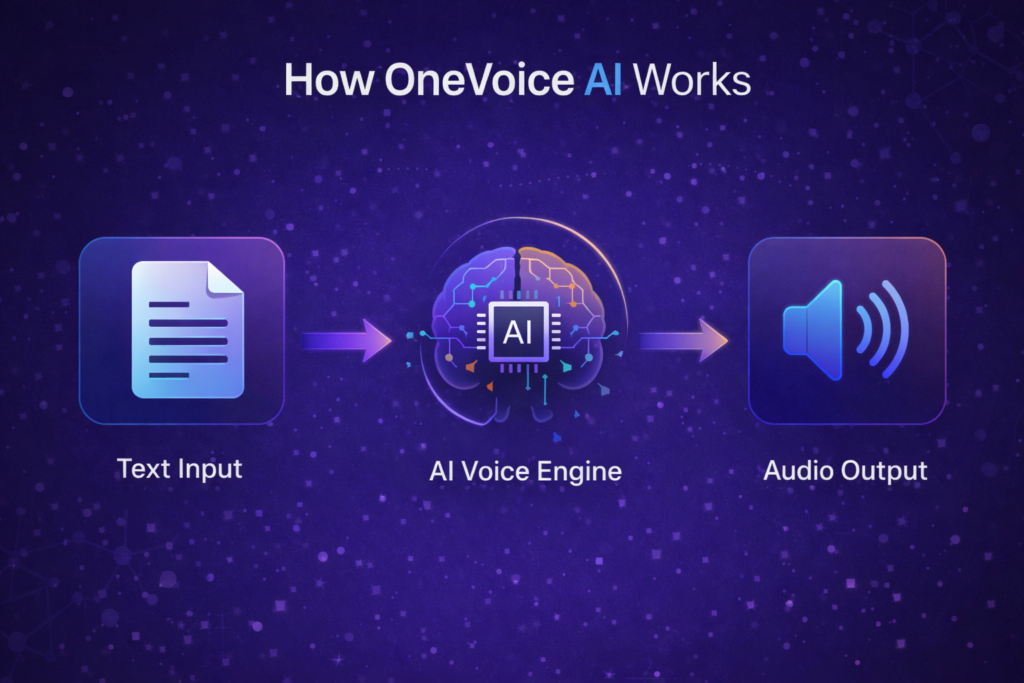
OneVoiceAI follows a simple three-step workflow:
Step 1 – Access the Platform
Users log in to the cloud-based dashboard. There is no software installation required, and everything runs online.
Step 2 – Select or Auto-Choose a Voice
Users can manually choose a voice model or let the system automatically recommend one based on the content type.
Step 3 – Generate and Export
After generating the voice, users can download the audio in common formats such as MP3 or WAV and use it immediately.
The process is designed to be fast and intuitive, even for beginners.
Core Capabilities of OneVoice AI
OneVoice AI focuses on practical, real-world voice generation rather than experimental features. Some of the main capabilities include:
Multi-Voice Engine Access
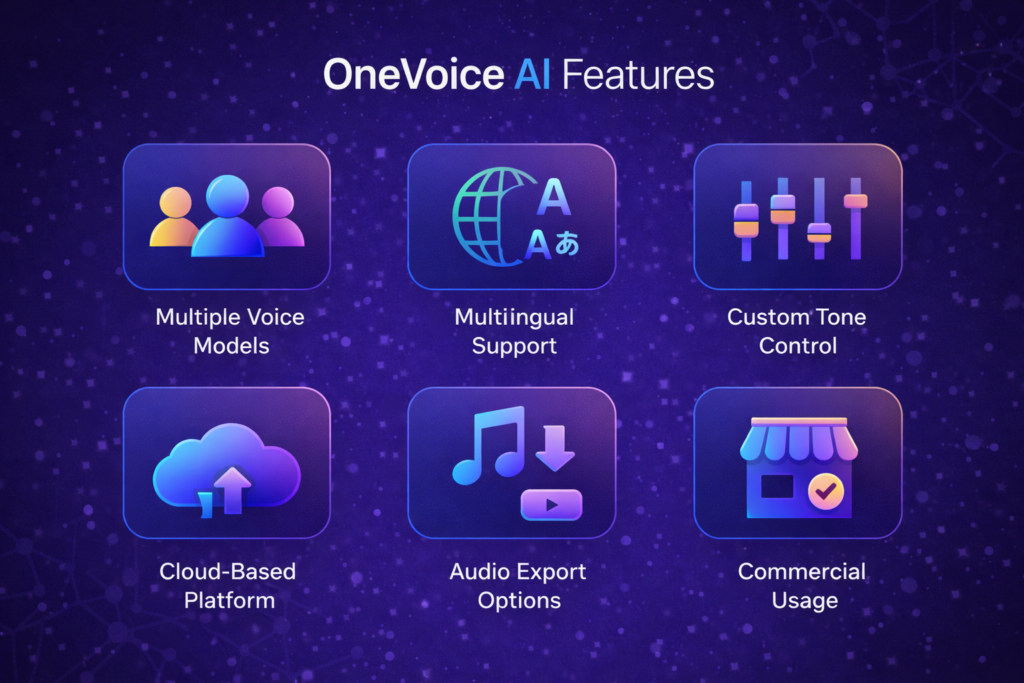
OneVoice AI integrates multiple voice technologies into one interface. This allows users to choose between different voice styles and providers without switching platforms.
Natural-Sounding Speech
The voices are designed to sound realistic, with natural pacing, pronunciation, and tone.
Multilingual Support
Users can generate voice content in different languages and accents, making the platform suitable for global audiences.
Emotion and Tone Control
Voice output can be adjusted for mood, pitch, speed, and style depending on the use case.
Commercial Usage
The platform includes rights for commercial usage, meaning generated audio can be used in business projects, marketing materials, and client work.
Downloadable Audio Files
Generated voiceovers can be exported in standard formats and used in any editing or publishing workflow.
Who Uses OneVoice AI?
OneVoice AI is built for a wide range of users, including:
Content Creators
YouTubers, podcasters, and social media creators use OneVoiceAI to produce voiceovers quickly without recording equipment.
Digital Marketers
Marketers use it for ads, explainer videos, promotional content, and landing pages.
Business Owners
Small businesses use voice content for presentations, training, onboarding, and customer communication.
Agencies and Freelancers
Agencies use OneVoice AI to handle multiple client projects efficiently without hiring voice talent for each job.
Educators and Trainers
Teachers and course creators use the platform for lessons, tutorials, and e-learning materials.
Practical Use Cases
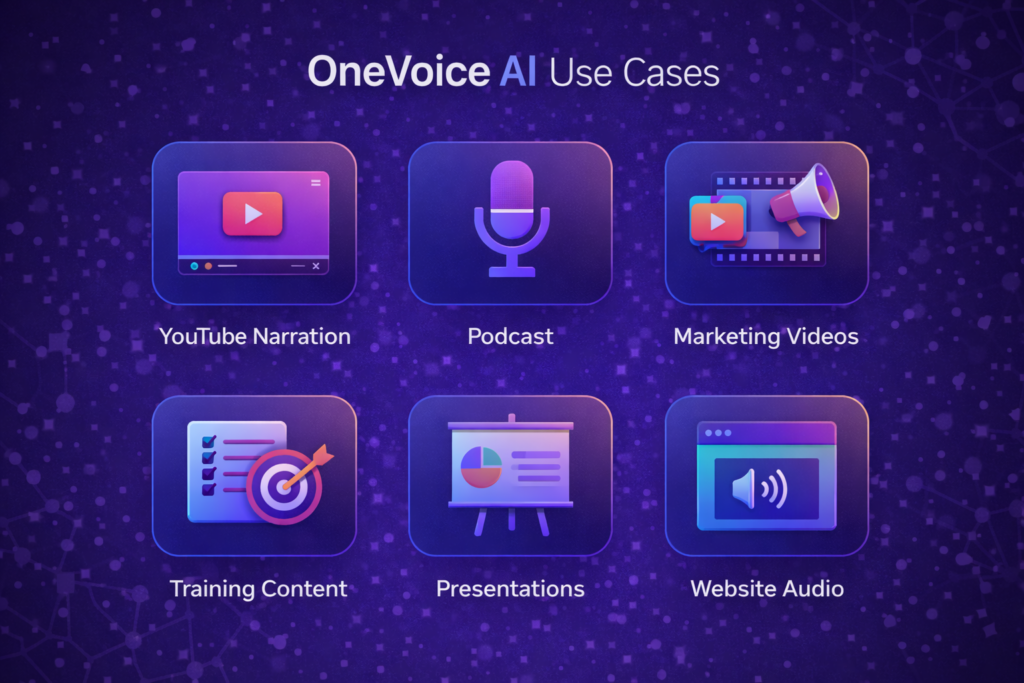
OneVoice AI is designed for practical tasks, not just experimental AI demos. Common applications include:
- YouTube narration
- Podcast intros and segments
- Social media reels and shorts
- Sales videos
- Explainer videos
- Training and onboarding audio
- Audiobooks
- Website narration
- Mobile app voice content
- Ad creatives
The system works anywhere voice is needed.
For users who want to see how the platform works in real time, access is available here.
Benefits of Using OneVoice AI
Benefits of Using OneVoice AI
OneVoice AI is designed to simplify how voice content is created and managed. Instead of relying on multiple tools or external services, users can handle most voice-related tasks from a single platform.
Some of the practical benefits include:
Faster Content Production
Voice content can be generated in minutes, which reduces the time required to create videos, presentations, and audio materials.
Lower Operational Costs
By using a single platform, users can avoid paying for multiple subscriptions or hiring external voice talent for routine projects.
Consistent Voice Output
Using the same system across different projects helps maintain a consistent voice style and quality.
Scalable for Different Workloads
OneVoice AI can be used for small tasks like short social media clips as well as larger projects such as full training modules or podcasts.
Reduced Technical Complexity
The platform does not require recording equipment, editing software, or advanced technical knowledge.
Flexible Use Across Platforms
Generated voice files can be used in websites, videos, mobile apps, marketing tools, and learning systems.
OneVoice AI vs Traditional Voice Creation
Traditional voice creation relies on recording, editing, and managing audio files manually. This often involves:
- Hiring voice talent
- Booking sessions
- Editing audio
- Requesting revisions
- Managing file formats
With OneVoice AI, this entire process becomes automated. Users can make changes instantly and regenerate audio without delays.
Understanding AI Voice Technology
AI voice generation uses machine learning models trained on large speech datasets. These models learn pronunciation, intonation, rhythm, and natural speech patterns.
When users enter text, the AI converts it into audio by predicting how a human would speak the same words. The result is synthetic speech that closely resembles real human voice.
Modern AI voice systems are widely used in virtual assistants, customer support systems, audiobooks, and media production.
Is OneVoice AI Difficult to Use?
OneVoice AI is designed for non-technical users. The interface focuses on simplicity:
- Clear dashboard layout
- Minimal settings required
- One-click generation
- No coding or setup
Most users can generate their first voice file within minutes of logging in.
Data Privacy and Cloud Access
OneVoice AI operates as a cloud-based platform. Users input text and receive audio output. There is no requirement to install local software or plugins.
Cloud access allows users to work from any device and manage projects centrally.
Future Potential of OneVoice AI
As AI voice technology continues to evolve, platforms like OneVoice AI are expected to expand with:
- More voice styles
- Better emotional expression
- Faster processing
- Improved multilingual accuracy
This positions OneVoice AI as a long-term tool for voice-based content creation.
When OneVoice AI Makes the Most Sense
OneVoice AI is especially useful if you:
- Regularly create voice content
- Work with multiple clients
- Need fast turnaround
- Want to avoid recording equipment
- Want consistent voice quality
It may not be ideal if you require custom human voice acting for artistic projects, but for most commercial and educational uses, it provides a practical alternative.
Pricing and Access
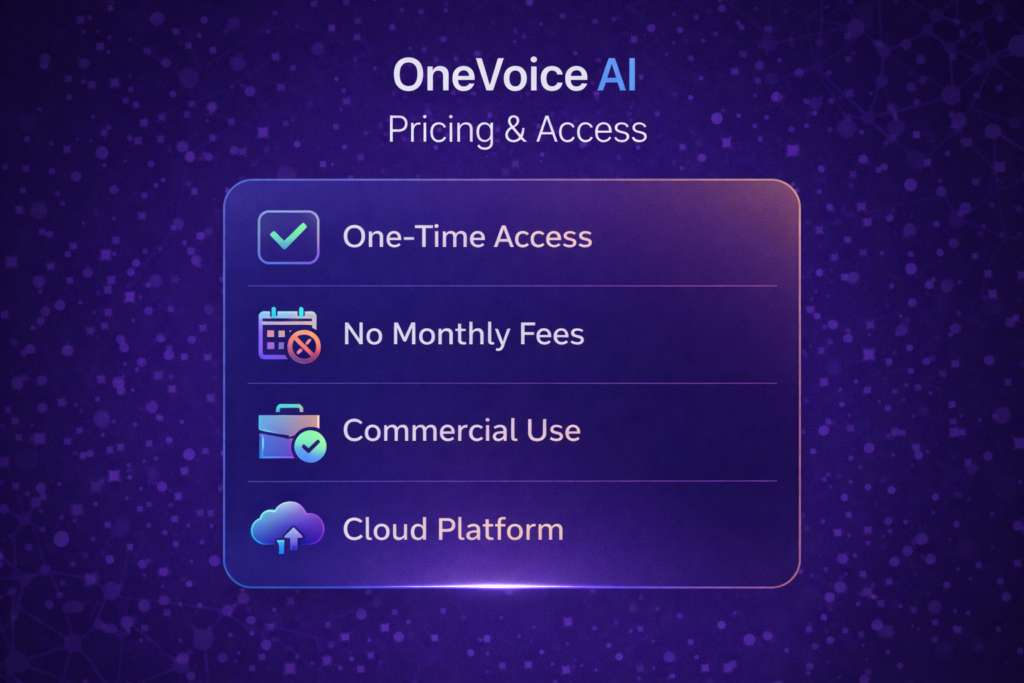
OneVoice AI is currently available through a one-time access plan instead of a monthly subscription.
At the time of writing, the standard access price for OneVoice AI is:
One-time price: $14.95
This single payment provides access to the core OneVoice AI platform, including:
- Use of the OneVoice AI dashboard
- Access to multiple AI voice models
- Ability to generate and download voice files
- Commercial usage rights for created audio
- Ongoing platform updates and improvements
There are no mandatory monthly fees required for basic access.
Pricing and included features may change over time as the platform evolves, so users should always confirm the latest details on the official website before purchasing.
OneVoice AI Guarantee

OneVoice AI includes a 30-day money-back guarantee provided by the official platform.
This allows new users to access the system and evaluate its features without long-term commitment. If the platform does not meet expectations, a refund request can be submitted within 30 days of purchase, subject to the terms set by the provider.
The guarantee generally allows users to:
- Access all core features during the evaluation period
- Request a refund within the 30-day timeframe
- Follow a straightforward refund process as outlined by the platform
Getting Started with OneVoice AI
Access to OneVoice AI is handled through its official platform. Users can explore available features, pricing, and system details before deciding if it fits their needs.
Final Thoughts
OneVoice AI is not positioned as a novelty tool. It is built as a practical platform for people who need voice content regularly.
By combining multiple voice technologies into a single dashboard, OneVoiceAI simplifies the entire voice creation process. Instead of managing multiple tools, users work from one interface and generate professional audio on demand.
For creators, marketers, businesses, and agencies, OneVoice AI offers a scalable, cost-effective way to produce voice content without technical complexity.