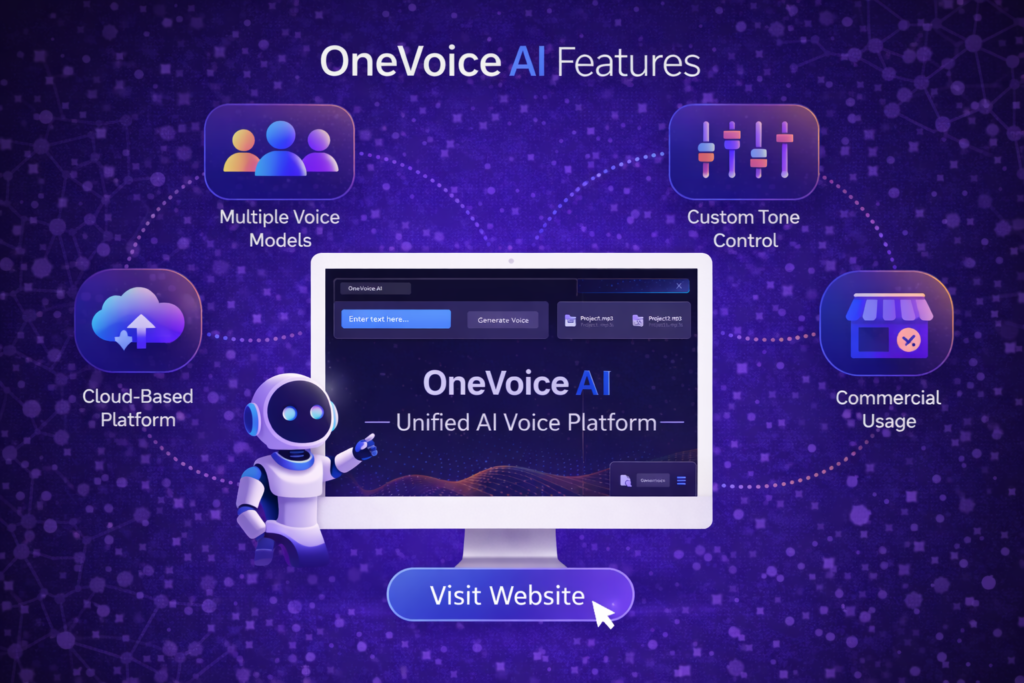
The OneVoice AI platform is designed to provide a centralized environment for creating, managing, and exporting AI-generated voice content. Instead of relying on separate tools for different voice tasks, users can handle most voice-related workflows within a single system.
This page outlines the core features available through the OneVoice AI platform and explains how these capabilities are used in practical scenarios.
Centralized Voice Dashboard
OneVoice AI operates through a unified dashboard where all voice tools are accessed. This central interface allows users to manage projects, configure voice settings, and generate audio without switching between platforms.
The dashboard serves as the main control panel for:
- Creating new voice projects
- Managing existing audio outputs
- Selecting voice models
- Adjusting generation settings
- Downloading finished files
By keeping everything in one place, the platform reduces workflow complexity and improves overall efficiency.
Multi-Voice Model Access
OneVoice AI provides access to multiple AI voice models within the same environment. This allows users to experiment with different voice styles, tones, and formats depending on the project.
Instead of being limited to a single provider or voice type, users can:
- Compare different voice outputs
- Switch between voice models
- Adapt voice style based on content needs
This flexibility makes the platform suitable for a wide range of use cases, from marketing videos to educational materials.
Text-to-Speech Conversion
At its core, OneVoice AI converts written text into spoken audio. Users input scripts, sentences, or full documents, and the system generates voice output based on selected parameters.
The text-to-speech process is designed to:
- Maintain natural pronunciation
- Preserve pacing and rhythm
- Produce clear and understandable audio
This feature is central to most workflows within the platform.
Voice Customization Controls
OneVoice AI includes several controls that allow users to adjust how generated voices sound. These controls help tailor voice output to different contexts.
Customization options typically include:
- Speed adjustment
- Pitch modification
- Emotional tone selection
- Accent or language choice
These settings allow users to create voice content that matches the intended style and audience.
Multilingual Voice Support
The platform supports voice generation in multiple languages. This feature enables users to create content for international audiences without relying on separate translation or voice tools.
Multilingual support is useful for:
- Global marketing campaigns
- Educational programs
- Multinational business communications
- Multilingual training materials
Users can generate voice content in different languages from the same interface.
Audio Export and File Formats
OneVoice AI allows users to export generated voice files in common audio formats. These files can then be used in external tools or platforms.
Supported formats typically include:
- MP3
- WAV
Exported files can be used in:
- Video editing software
- Podcast platforms
- Presentation tools
- Learning management systems
This ensures compatibility with most standard workflows.
Project Management Tools
The platform includes basic project management features that help users organize their voice content.
These tools allow users to:
- Group related audio files
- Track generated projects
- Revisit previous outputs
- Maintain structured workflows
This is particularly useful for users working on multiple voice projects simultaneously.
Commercial Usage Rights
OneVoice AI includes commercial usage permissions for generated voice content. This allows users to apply their audio output in business and professional contexts.
Commercial usage includes:
- Marketing materials
- Client projects
- Educational content
- Product demonstrations
This feature ensures that users can legally use generated voice content in external applications.
Cloud-Based Operation
OneVoice AI runs entirely in the cloud. There is no requirement to install software, plugins, or local applications.
Cloud operation provides:
- Access from any device
- Automatic system updates
- Centralized data management
- No local storage limitations
Users simply log in and access the platform through a web browser.
Consistent Voice Output
Using a single platform helps maintain consistent voice style across projects. This is useful for branding, training programs, and recurring content.
Consistency ensures:
- Uniform tone across materials
- Predictable audio quality
- Easier content updates
This feature supports long-term content strategies.
Ease of Use
The platform is designed for non-technical users. Most features are accessible through simple interface controls, and voice generation does not require coding or audio engineering knowledge.
Ease of use includes:
- Clear navigation
- Minimal setup steps
- Simple export process
- Intuitive project organization
This allows beginners and professionals alike to use the system effectively.
Integration with External Workflows
Generated voice files can be integrated into various external systems, including:
- Video production tools
- Podcast publishing platforms
- E-learning systems
- Marketing automation software
This makes OneVoice AI adaptable to different industries and workflows.
Ongoing Platform Development
OneVoice AI continues to evolve through updates and feature enhancements. Improvements are delivered directly through the platform without requiring user intervention.
Ongoing development ensures:
- Access to new voice models
- Improved audio quality
- Expanded language support
- Enhanced usability
Users benefit from continuous improvements over time.
Summary of Core Features
In summary, the main features of OneVoice AI include:
- Centralized voice dashboard
- Multiple AI voice models
- Text-to-speech conversion
- Voice customization controls
- Multilingual support
- Audio export options
- Project management tools
- Commercial usage rights
- Cloud-based access
- Consistent voice output
These features position OneVoice AI as a practical platform for creating and managing AI-generated voice content.
For a complete overview of the platform and how these features fit into the overall system, you can return to the main overview here: 👉 OneVoice AI